How to Transfer USDT from Binance to MEXC: Networks, Fees and Checks
Move USDT between exchanges by checking the receiving account first. This walkthrough explains how to match the network, compare the amount received and follow the transfer until MEXC credits it.
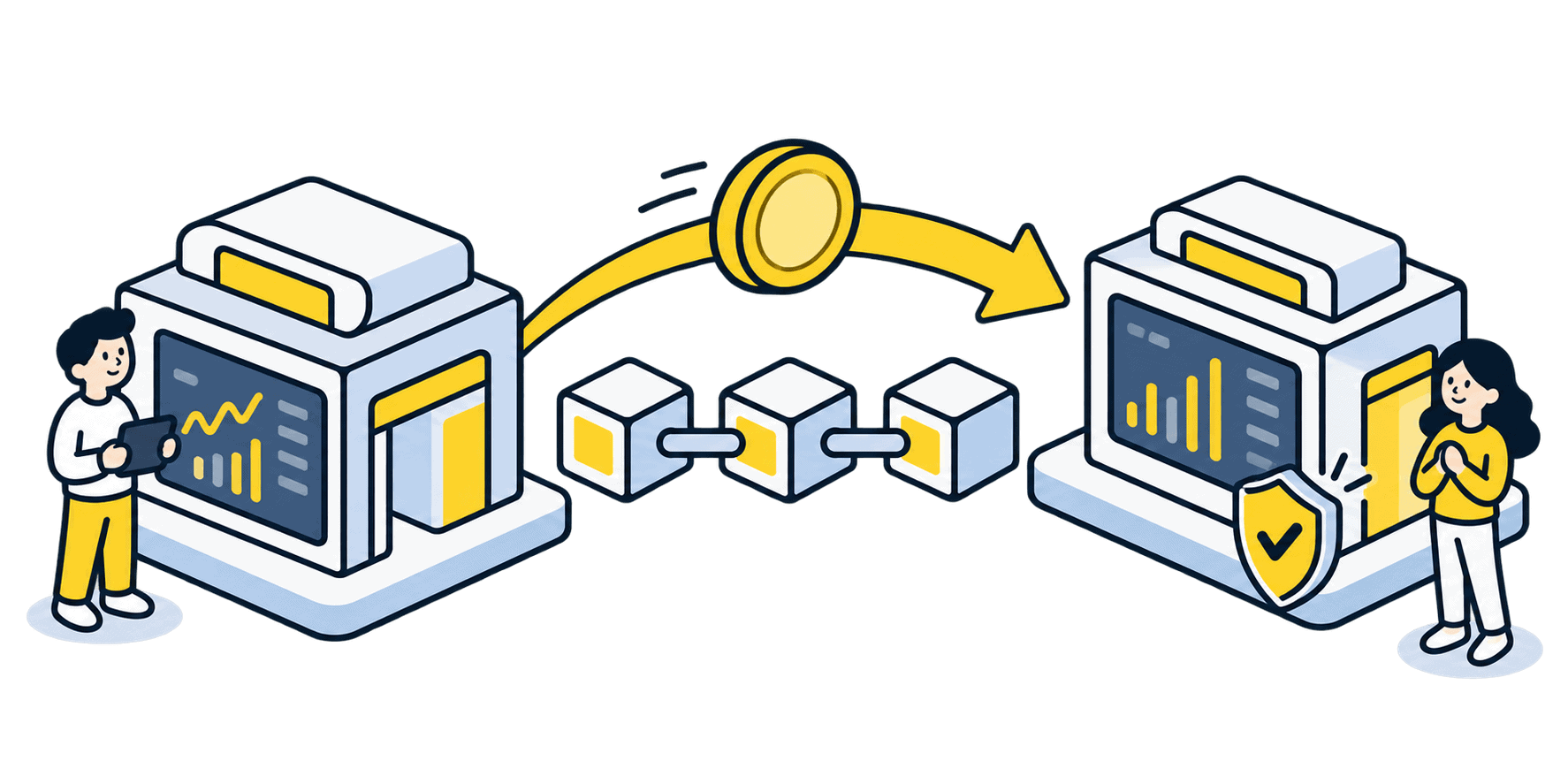
The short answer
Generate a USDT deposit address in MEXC, then use Binance’s on-chain withdrawal with exactly the same network. The cheapest option is useful only when both accounts support it and deposits are open. A matching-looking address alone is not proof of compatibility.
Before you begin
Use the genuine app or a bookmarked official website. Confirm account eligibility and any identity checks before funding it. Interfaces, supported routes and charges can change; the final details shown in your own account take precedence.
Step-by-step walkthrough
Prepare the MEXC receiving details
In the MEXC app, tap Deposit → On-Chain Deposit, choose USDT and select a supported network. Read the minimum deposit and any maintenance notice. Copy the newly displayed address and any required memo. On the web, use the Deposit entry in the wallet area.
Find the matching Binance withdrawal
In Binance’s wallet or assets area, choose USDT → Withdraw or Send → crypto network. Paste your MEXC address. Choose the exact network selected in MEXC; do not rely only on automatic address detection. Binance.US is a separate service with different availability.
Review the amount that will arrive
Compare the withdrawal fee, minimum withdrawal and displayed recipient amount. Ensure the net amount clears MEXC’s deposit minimum. Check the full address against the receiving screen, including any required memo. A lower fee never compensates for an unsupported route.
Send a suitable test, then verify it
If practical, make a small test that still exceeds both platforms’ minimums after fees. Complete Binance’s security checks. Wait for that test to appear in MEXC’s deposit history and balance before sending more. Each separate withdrawal may incur another fee.
Follow the transaction through to credit
Save Binance’s withdrawal record and transaction ID. Check the correct network explorer, then MEXC’s deposit history. A successful blockchain transaction and a credited exchange balance are separate stages; MEXC can require further confirmations or account review.
Compare the received amount, not just the fee
Illustrative figures, not current exchange quotes: you enter 200 USDT and the withdrawal screen deducts a 1 USDT fee. The recipient amount is 199 USDT. If a test costs another 1 USDT, sending 20 first and the remaining 180 later delivers 198 USDT in total. Check whether your screen deducts the fee or adds it separately.
TRC20, ERC20 and other USDT networks
USDT is available on multiple blockchains. Ethereum/ ERC20 and Tron/ TRC20 describe different routes, not interchangeable speed settings. The supported network list, deposit status and fee in your two accounts decide which route is usable today. If there is no shared supported route, stop; an exchange withdrawal does not automatically bridge tokens.
If something does not match
Binance has no transaction ID yet
Check its withdrawal status and any security or address-whitelist restriction. A request still being processed has not necessarily been broadcast.
The explorer shows success but MEXC shows nothing
Compare recipient, token contract, network and required confirmations. Follow the MEXC deposit troubleshooting guide before opening a support case.
The address matches but the network does not
Do not send a second transfer. Collect the transaction evidence and ask the receiving exchange about recovery eligibility. Recovery is not guaranteed.
Check your understanding
MEXC displays USDT on Ethereum. Binance offers a cheaper Tron withdrawal. Is the cheaper option suitable for the copied address?
Show the explanation
No. First choose a Tron deposit route in MEXC, if available and open, and obtain its receiving details. Otherwise keep the matching Ethereum route or do not transfer.
Common questions
How long does a Binance to MEXC transfer take?
There is no single guaranteed time. Binance processing, blockchain confirmations and MEXC crediting each contribute. Use the transaction status rather than a fixed timer.
Can Binance Pay replace this withdrawal?
Not for this walkthrough. A MEXC blockchain deposit address needs the supported on-chain transfer route, not a payment or internal Binance-user transfer.
Continue with the right next step
Practical exchange walkthroughs
Official sources and verification
Checked on 30 October 2026 against the official instructions below. Illustrations are conceptual, not platform screenshots. Worked numbers are examples, not live quotes. We did not execute a transfer or trade for this guide.
Educational information, not personal financial advice. Our reviews and buying guides may contain affiliate links. These do not change the transaction checks described here.