How to Transfer Crypto from Coinbase to MEXC
Send a supported asset from your Coinbase exchange account to MEXC without confusing a trading balance with funds available to send. Match the receiving route before choosing the asset or approving the transfer.
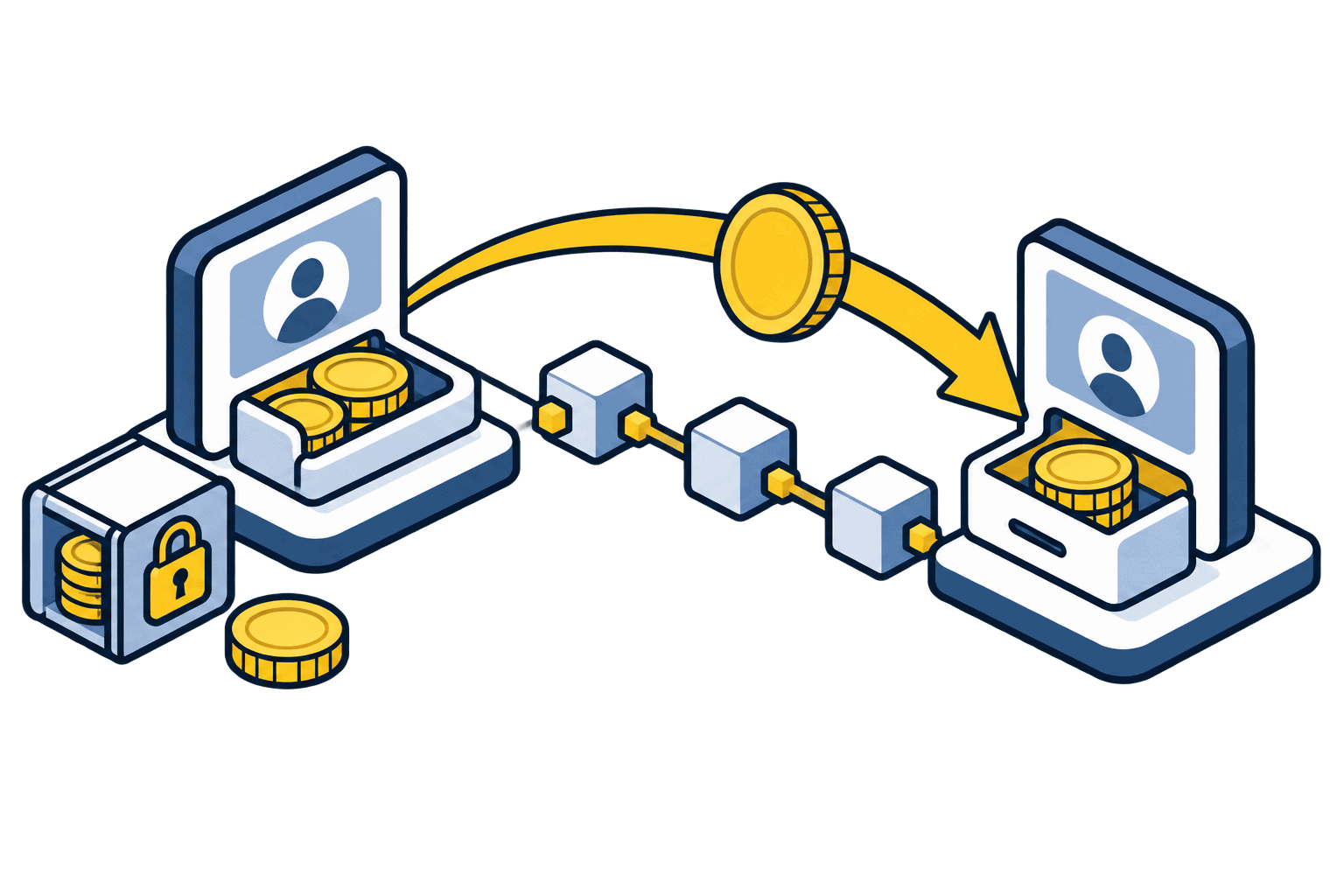
The short answer
First confirm that you can legally use both services where you live. Obtain MEXC’s deposit details for an asset and network also supported by Coinbase sending, then make an on-chain send. This guide concerns a Coinbase exchange account, not the separate self-custody Coinbase Wallet product.
Before you begin
Use the genuine app or a bookmarked official website. Confirm account eligibility and any identity checks before funding it. Interfaces, supported routes and charges can change; the final details shown in your own account take precedence.
Step-by-step walkthrough
Check access and funds available to send
Confirm MEXC accepts your residence and account, then check Coinbase’s available-to-send amount. Crypto bought with funds on hold may be tradable inside Coinbase but unavailable for an external transfer. The account’s hold notice is more useful than its headline portfolio value.
Prepare a shared receiving route
In MEXC Deposit, select the intended asset and a supported network. Read the minimum, confirmation requirement and any suspension notice. Verify Coinbase offers sending that same asset on that same network for your account. Do not assume USDT or a specific cheap chain is available everywhere.
Enter an external on-chain send
On Coinbase.com, open Send crypto; in the app, use Pay. Select the asset and amount, then enter the MEXC blockchain address. Choose the matching network and any required memo/tag field. An optional personal note is not a blockchain memo. An email transfer to another Coinbase user is a different route.
Review the quote and security checks
Compare the full address, asset, network, fee and final recipient amount. Make sure the net deposit exceeds MEXC’s minimum. If practical, send a qualifying test first. Complete only the security steps displayed in the genuine Coinbase app or website.
Confirm credit before sending more
Save the sending record and transaction hash. Follow it on the correct explorer, then check MEXC’s deposit history. If there is an unexplained delay, trace the existing transaction instead of sending again. Keep the records for your own account reconciliation.
Portfolio value is not a transfer allowance
Illustrative example: Coinbase displays 500 units of an asset, but only 120 are currently available to send because funds used for the rest remain on hold. Trying to transfer 500 is not solved by switching networks or buying a different coin. Review the hold details and the permitted amount; fees can reduce what the receiving account ultimately obtains.
Changing the asset adds another decision
If your current asset has no mutually supported route, do not improvise a network. Selling or converting into a different transferable asset introduces trading costs, price exposure and possible tax consequences. Compare the whole route, including any trade needed after arrival at MEXC. A low withdrawal fee alone does not make a conversion the cheapest choice.
If something does not match
Coinbase says funds are unavailable
Inspect the Available tooltip and hold notification. Coinbase says support cannot shorten standard deposit holds; other security restrictions may also apply.
MEXC’s network is absent in Coinbase
That route is not currently available through your sending screen. Choose a genuinely supported alternative or stop; do not paste the address into another network.
Coinbase completed the send but MEXC has not credited it
Check the explorer, recipient, asset version, memo and confirmation threshold. Use the MEXC missing-deposit guide if those checks do not explain the delay.
Check your understanding
Coinbase can send an asset on Ethereum, while MEXC currently accepts it only on a different chain. Is the matching ticker enough?
Show the explanation
No. Both the asset and the network must be supported at both ends. There is no compatible direct route in this example, even if the addresses look similar.
Common questions
Can I use this route if MEXC is restricted where I live?
No. A working blockchain transfer does not make an account eligible. Use services available to your actual residence and do not bypass restrictions.
Can I cancel a send after it is on-chain?
Confirmed blockchain transfers generally cannot be reversed by the sender. Check the current transaction state in Coinbase; do not assume support can retrieve a payment sent to a wrong address or network.
Continue with the right next step
Practical exchange walkthroughs
Official sources and verification
Checked on 30 October 2026 against the official instructions below. Illustrations are conceptual, not platform screenshots. Worked numbers are examples, not live quotes. We did not execute a transfer or trade for this guide.
Educational information, not personal financial advice. Our reviews and buying guides may contain affiliate links. These do not change the transaction checks described here.