Gate Deposit Not Received? Confirmations, Networks and Memo Checks
Work out whether your Gate deposit is still on its way, awaiting credit or needs a recovery assessment. Start with the sending record and follow the evidence through the blockchain to your Gate account.
The short answer
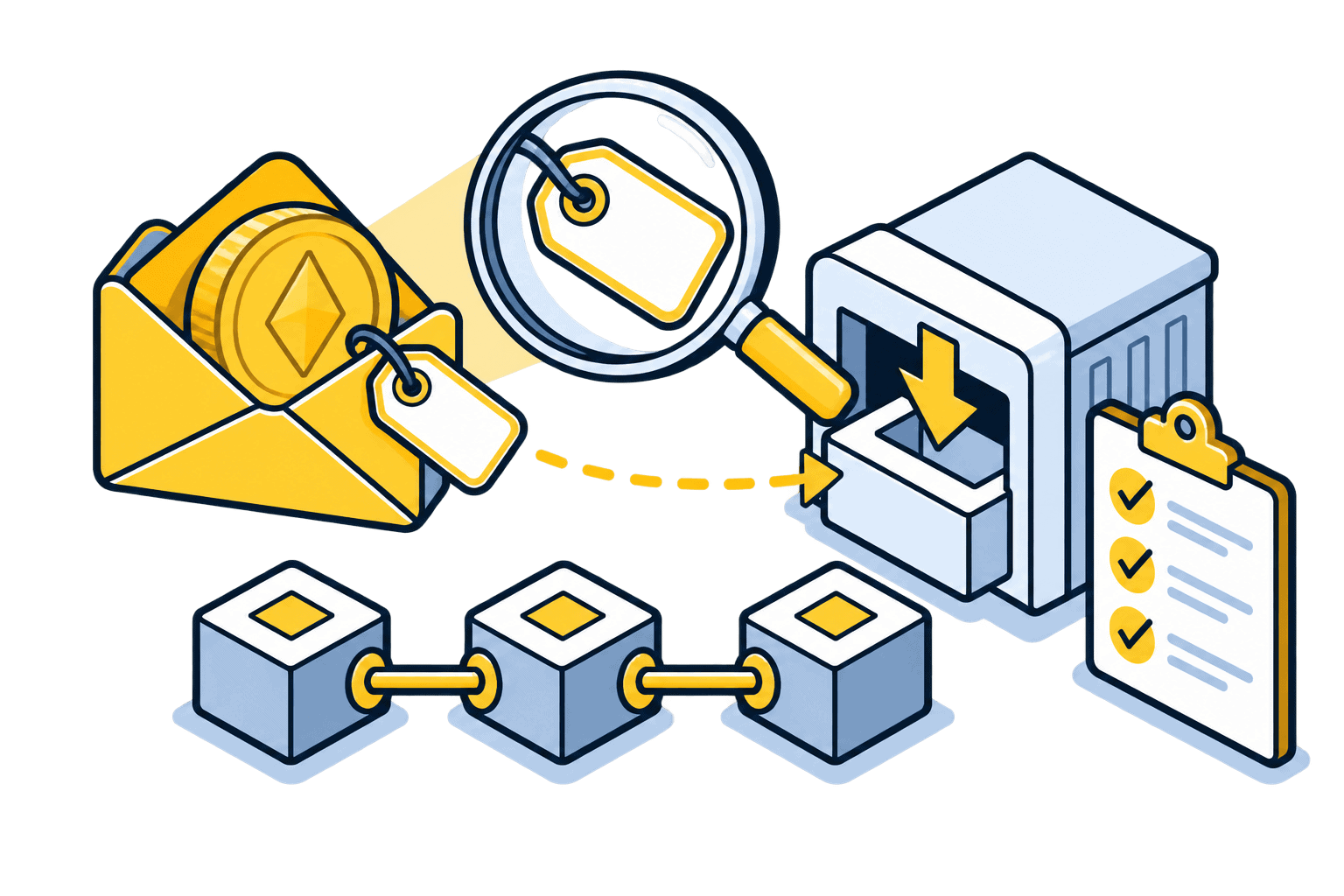
Find the transaction hash, confirm the asset and receiving network, then compare Gate’s deposit requirements and history. For assets requiring a tag or memo, the address alone is incomplete. Use the help centre for your actual Gate service; regional entities can have different asset support and recovery rules.
Before you begin
Use the genuine app or a bookmarked official website. Confirm account eligibility and any identity checks before funding it. Interfaces, supported routes and charges can change; the final details shown in your own account take precedence.
Step-by-step walkthrough
Check whether the sender broadcast it
Open the withdrawal record on the originating platform. Save the transaction ID, network, amount and recipient. If the request is still processing without on-chain evidence, contact or follow the sending platform first.
Inspect the recipient on the right explorer
Search the transaction hash on the network that was actually used. Check success, the transferred token and destination. Compare the token contract where applicable. An unrelated explorer or the same ticker on another chain can give a misleading result.
Read Gate’s current deposit instructions
Open Deposit for the exact asset and network in your Gate account. Check the confirmation threshold, minimum and whether deposits are suspended. Compare the required tag or memo with the sending record; do not infer it from the address.
Check the deposit record and account
Inspect Recent Deposits or the deposit-history area. A pending record can still be waiting for confirmations; a manual-review status needs the platform’s review. If the record is completed, inspect the correct asset balance and later account activity.
Use the official missing-deposit route
Open Gate’s Help Center from your account and use Deposit Not Received / Recovery Request or support. Submit the asset, network, hash, amount, destination and memo evidence. Follow instructions for your service rather than copying recovery procedures from another regional Gate website.
An address can be correct while the deposit is incomplete
Illustrative example: Gate’s deposit screen supplies an address plus a destination tag of 246810. The sender uses the address but leaves the tag blank. The blockchain may confirm delivery to the platform’s address without identifying your individual account. Extra confirmations will not supply the missing tag. Open an official recovery assessment and keep the original withdrawal evidence.
Match your case to the right next step
A network delay, a missing tag and an unsupported token are different problems. Waiting may help the first but cannot alter the original transaction details. Gate’s recovery options depend on the asset, chain and service involved, and some cases cannot be recovered. Do not send a second deposit or pay a stranger for recovery unless a verified official case gives specific, understood instructions.
If something does not match
Required confirmations are not met
Compare the current count with your deposit screen and monitor the same transaction. Do not use an arbitrary waiting time as proof of a fault.
Wrong or absent memo/tag
Preserve the transaction and sending-account evidence. Request the official assessment; do not invent a new memo or attempt to edit a confirmed transfer.
Wrong chain, contract or suspended deposit
Stop further transfers and ask the receiving service about the supported route and recovery eligibility. An identical address format does not establish support.
Check your understanding
The explorer shows success and enough confirmations, but the required tag is missing. Will waiting for another hundred blocks identify your Gate account?
Show the explanation
No. Confirmations strengthen the record of the same transfer; they do not add missing account information. Use the verified support process with the original evidence.
Common questions
Does a successful withdrawal guarantee Gate credit?
No. It indicates a stage at the sender or blockchain. Gate still needs a supported deposit, the required confirmations and any account-identifying details.
How much does recovery cost and how long does it take?
There is no universal answer. Ask the official service to assess your exact case, disclose any charge and explain whether recovery is possible before following a recovery procedure.
Continue with the right next step
Official sources and verification
Checked on 30 October 2026 against the official instructions below. Illustrations are conceptual, not platform screenshots. Worked numbers are examples, not live quotes. We did not execute a transfer or trade for this guide.
Educational information, not personal financial advice. Our reviews and buying guides may contain affiliate links. These do not change the transaction checks described here.